
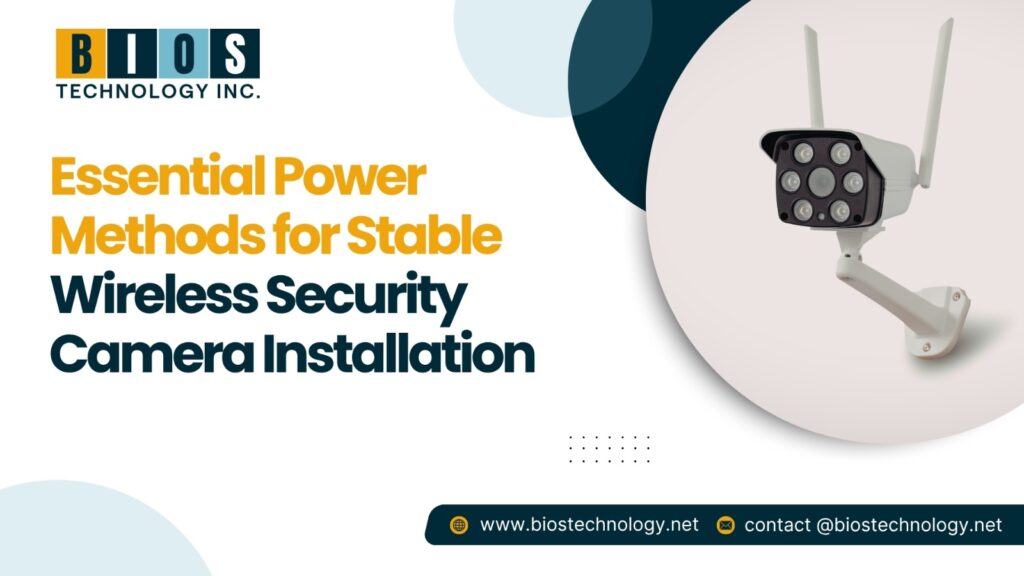
The ideal means to augment the protection of any home or commercial establishment is to install a wireless security system. Effective surveillance placement is achievable with ease, and reliable protection is achievable without the hassle of complex and tedious wiring. Nonetheless, these cameras rely on one key factor—power. Even the most top-tier and advanced wireless cameras on the market with the best technology and performance will fail to record and retain valuable footage without a steady and reliable power source.
In this exercise, we will recommend the most reasonable and likely systems of power provision for the appropriate and most reliable installation of a wireless security camera system. The information will be presented simply and unambiguously and in a formal and informative tone to lend you appropriate confidence in your decision regarding your security requirements.
Understanding the Power Needs of Wireless Cameras
When selecting a method of power provision, the first most important aspect to consider is the functionality of the wireless cameras. Even though these cameras transmit recordings wirelessly, they still require a steady supply of power in order to function. The required power supply varies from camera to camera and is dependent on the specific features of the device, the resolution, and the use of the device.
The Importance of Power Stability
- Interruptions in System Recording are Prevented
- There is Consistent Motion Recording Detection
- Nightvision and the Recording of High Resolution are sustained
- Cloud and Mobile App Connectivity is Stable
There can be no doubt that with the provision of a stable power supply, your security system will always be reliable.
Methods to Power Wireless Security Cameras
-
Plug-In Power Adapter
This is the most common method of providing power to security cameras and the most reliable too. Plug-in power adapters give the security cameras a constant power supply.
Advantages:
- Consistent and continuous power supply to the device
- Great for high-resolution cameras
- Less hassle of maintenance
Disadvantages:
- Need to be installed close to a power source
- Need cop cable management to avoid any trip hazards
- Rechargeable Battery Power
Other modern wireless cameras have a rechargeable battery that uses a battery and gives you power flexibility
Advantages:
- Can be installed anywhere
- Great for a temporary camera
- No messy cables
Disadvantages:
- Batteries need to be periodically recharged
- Batteries have a risk of unexpected drainage
- Solar-Powered Systems
This is the most eco and financially friendly, and is becoming the most common for outdoor cameras.
Advantages:
- Great for outdoor cameras
- Less potential for manual charging
- Great for remote areas or outdoor locations
Disadvantages:
- Need a reasonable amount of sun
- A backup battery is needed for cloudy weather
- Solar panels, pet charging, and cleaning for optimal charging.
Maintaining Power for Wireless Cameras
-
High Quality Power Cables and Adapters
Cheap cables are more troublesome than they are worth. They tend to overheat and give unstable power to devices. They are not worth the trouble; simply stick to chargers that are working properly and stick to the manufacturer to avoid a cheap power cable.
-
Weather-Proofing Outdoor Power Connections
Outdoor installations are exposed to rain, dust, and extreme weather. Weather-protective casings, weather-resistant boxes, and heavy-duty cable covering help keep the power flowing steadily.
-
Backup Power for Uninterrupted Security
Power outages can compromise your security system. Consider using:
- Uninterruptible Power Supply
- Backup batteries
- Solar with battery
These give added protection to your system in emergencies as well.
Tips for Placement for Stable Power Management
- Position Cameras Closest to Power Sources: Distributing the power, and to the camera, should be as close to the power as to be as quick to the battery and to the camera as possible. This way, the power is flowing at the same speed as the power is flowing into the battery.
- Keep Batteries in Reach: For battery-powered models, without touchable batteries, make sure to place the unit so batteries are easy to access when touch are replaced, are need to be replaced, or when charging.
- Protect Cables from Damage: Use Monsieur Secured Walls to Cables, which are Mounting Walls, so the work is neat.
Advanced Power Solutions for Long-Term Use.
-
Smart Power Management Systems
Some advanced security cameras come with smart power management features.
- Autonomous battery optimization
- Low-powered record modes
- AI-based motion Detectable Activation
These features are good for smart power. Smart power features are practically required with advanced cameras.
-
Hybrid Power Options
Hybrid systems have both power and battery backups. In case of a power outage, your battery engages, and your camera remains powered on.
Common Installation Mistakes
-
Ignoring Power Compatibility
Using the wrong adapter or voltage can cause irreversible damage to your camera. Always check the manufacturer’s recommended power specifications.
-
Ignoring Power Requirements from Feature Add-ons
Extras like night vision, two-way audio, and 2K or 4K video will increase the power draw and the capability of your power method to sustain these features.
-
Neglecting Regular Maintenance
Maintenance is a must for solar and battery-powered units. To avoid interruptions, clean your solar panels periodically and check the battery health.
Professional Installation vs. DIY Setup
Advantages of Professional Installation
- Accurate power assessment
- Safe cable management and installation
- Strategic camera field of view placement
- Consistent, reliable performance in the long run
When is a DIY Approach Acceptable
DIY is a good option for small setups or for simple battery-powered camera installations. In contrast, in larger commercial spaces or extensive security networks, expert input is recommended for stability and accuracy.
Final Words
The importance of having the right power supply when installing wireless security cameras can never be overstated. Power supply stability equals uninterrupted security coverage, unhindered recordings, and, ultimately, an additional layer of safety for your asset. Knowing the power supply options and following the best practices will lead you to an optimum and long-term security solution.
For advanced assistance, seamless installations, and specialization, BIOS Technology is a reputable security solution provider. Their skill and service quality provide enduring security solution installation services for users wanting guaranteed security camera installations, and their services deliver uninterrupted operational capabilities, effective safeguards and… peace of mind.
Contact details: +1 840-699-6568
